Physical Address
304 North Cardinal St.
Dorchester Center, MA 02124
Physical Address
304 North Cardinal St.
Dorchester Center, MA 02124


A beginner-friendly guide to the best budgeting apps and tools that help you manage money simply, stay consistent, and avoid feeling overwhelmed.
You download a budgeting app with good intentions. You open it once, maybe twice, and then forget it exists. A week later, you are back to guessing where your money went.
That cycle is more common than people admit. The problem is not you. It is the tool you chose or how complicated it felt after a long day.
If you want something that actually sticks, these 15 best budgeting apps and tools for beginners focus on simplicity, usability, and real life habits.

A lot of tools try to do everything.
Tracking, investing, forecasting, reports. Sounds helpful, right? Not when you are just trying to figure out your grocery spending.
When I first started, I downloaded three apps at once. I used none of them consistently.
Here is what beginners actually need:
Takeaway: The best budgeting app is the one you will actually use consistently.
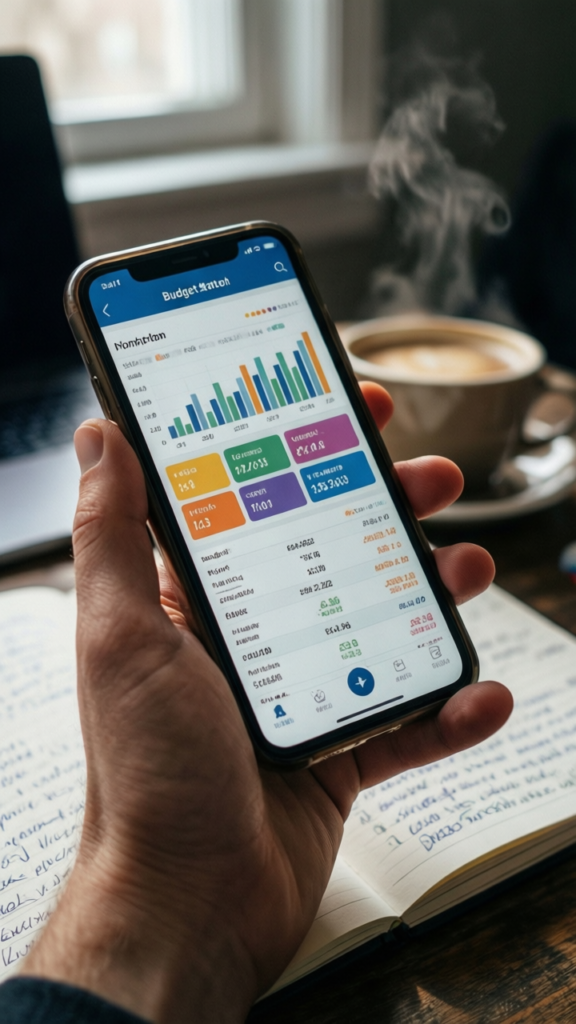
Mint connects your accounts and tracks everything automatically.
It shows:
It is a good starting point if you want automation.
Takeaway: Great for beginners who want everything in one place.
YNAB focuses on giving every dollar a job.
It requires more effort, but it builds strong habits.
I resisted it at first. Then I realized it forced me to be intentional.
Takeaway: Best for hands on budgeting and control.
PocketGuard shows how much you can safely spend.
It simplifies everything into one number.
Less thinking, more clarity 🙂
Takeaway: Perfect for people who want quick answers.
Goodbudget uses the envelope system digitally.
You allocate money into categories and spend from them.
It works well for couples too.
Takeaway: Great for visual budgeting.
EveryDollar keeps things simple.
You plan your budget at the start of the month and track spending.
No unnecessary features.
Takeaway: Ideal if you want a clean and simple layout.
Spendee focuses on tracking expenses and sharing budgets.
It has a simple design and works well for families.
I like how easy it feels compared to more complex apps.
Takeaway: Good balance between simplicity and functionality.
Digit saves small amounts automatically based on your spending.
You barely notice it happening.
It builds savings quietly in the background.
Takeaway: Great for effortless saving.
Qapital lets you create savings rules.
For example:
It makes saving feel more interactive.
Takeaway: Ideal for building fun saving habits.
Simple, flexible, and free.
You can create your own budget system.
It takes a bit of setup, but it works exactly how you want.
Takeaway: Best for customization and control.
Excel offers more advanced features if you want them.
You can track:
I used this before switching to simpler tools.
Takeaway: Great for detailed tracking.

Honeydue is designed for couples.
You can:
It reduces misunderstandings.
Takeaway: Helps couples stay on the same page.
Zeta focuses on shared finances and goals.
It works well for managing joint accounts and expenses.
Simple and practical.
Takeaway: Good for shared budgeting.
This type of app focuses on basic tracking.
No extra features, just the essentials.
Sometimes less is better.
Takeaway: Perfect if you feel overwhelmed by complex tools.
Yes, the old school method still works.
Write down:
I still use this alongside apps.
Takeaway: Simple tools can be surprisingly effective.
Most banks now offer built in tracking features.
Check your app for:
You might not need anything extra.
Takeaway: Use what you already have before adding more tools.
Do not choose the most advanced option.
Choose the one you understand.
Pick what fits your style.
Try one tool for a few weeks.
If it feels like a chore, switch.
Takeaway: The right tool feels easy to use, not overwhelming.
More tools do not mean better results.
You will miss entries or forget updates.
That is normal.
It takes time to build the habit.
Simple tools work best for beginners.
Takeaway: Consistency matters more than the tool itself.

I stopped chasing the perfect app.
I focused on:
Some months I used apps. Other times I used a notebook.
The key was sticking with something, not switching constantly.
These best budgeting apps and tools for beginners are not about finding the perfect solution.
They are about finding something that fits your life.
Start simple. Stay consistent. Adjust when needed.
The best budgeting tool is the one that helps you stay aware of your money without adding stress.
And if an app feels overwhelming, it is okay to step back and keep things simple 🙂